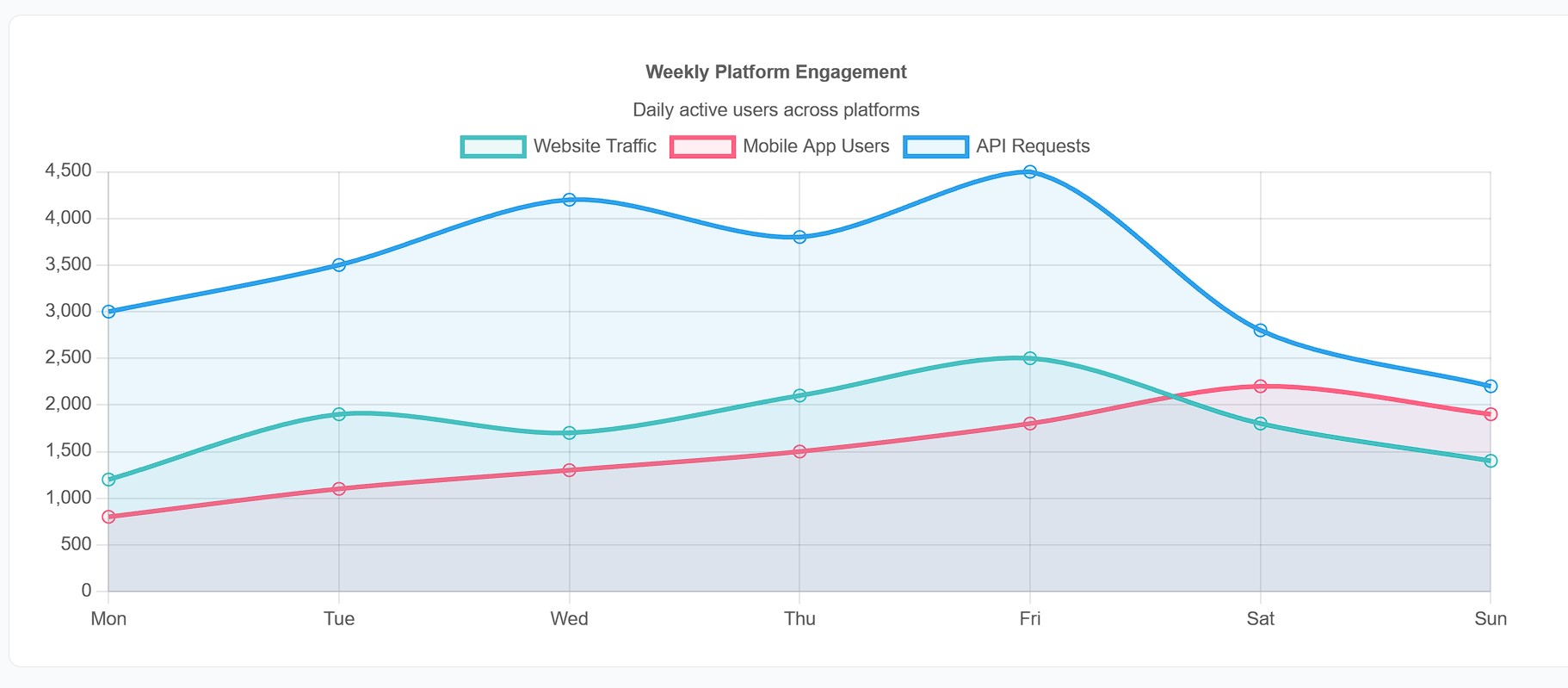
Chart.js is one of the most popular charting libraries on the web, known for its beautiful default styling, responsive design, and ease of use. Oorian's Chart.js wrapper brings all this power to your Java applications.
Why Chart.js?
- Beautiful defaults: Charts look great out of the box
- Responsive: Automatically adapts to container size
- 8 chart types: Line, bar, pie, doughnut, radar, polar, bubble, scatter
- Lightweight: ~60KB minified and gzipped
- Free and open source: MIT license
Creating Your First Chart
CjChart chart = new CjChart(ChartType.BAR);
chart.setWidth("600px");
chart.setHeight("400px");

// Set labels for X-axis
chart.setLabels("January", "February", "March", "April", "May");

// Add a dataset
CjDataset dataset = new CjDataset("Monthly Sales");
dataset.setData(65, 59, 80, 81, 56);
dataset.setBackgroundColor(
    "rgba(37, 99, 235, 0.5)",
    "rgba(37, 99, 235, 0.5)",
    "rgba(37, 99, 235, 0.5)",
    "rgba(37, 99, 235, 0.5)",
    "rgba(37, 99, 235, 0.5)"
);
dataset.setBorderColor("rgb(37, 99, 235)");
dataset.setBorderWidth(1);

chart.addDataset(dataset);
body.addElement(chart);
Line Charts with Multiple Datasets
CjChart chart = new CjChart(ChartType.LINE);
chart.setLabels("Jan", "Feb", "Mar", "Apr", "May", "Jun");

// Revenue dataset
CjDataset revenue = new CjDataset("Revenue");
revenue.setData(12000, 19000, 15000, 25000, 22000, 30000);
revenue.setBorderColor("rgb(37, 99, 235)");
revenue.setTension(0.4);
chart.addDataset(revenue);

// Expenses dataset
CjDataset expenses = new CjDataset("Expenses");
expenses.setData(8000, 12000, 10000, 14000, 13000, 16000);
expenses.setBorderColor("rgb(239, 68, 68)");
expenses.setTension(0.4);
chart.addDataset(expenses);

body.addElement(chart);
Pie and Doughnut Charts
CjChart chart = new CjChart(ChartType.DOUGHNUT);
chart.setLabels("Desktop", "Mobile", "Tablet");

CjDataset dataset = new CjDataset("Traffic Sources");
dataset.setData(55, 35, 10);
dataset.setBackgroundColor(
    "rgb(37, 99, 235)",
    "rgb(16, 185, 129)",
    "rgb(245, 158, 11)"
);

chart.addDataset(dataset);
body.addElement(chart);
Configuring Chart Options
CjChart chart = new CjChart(ChartType.LINE);

// Configure scales
CjScales scales = new CjScales();
scales.setYAxis(new CjAxisConfig()
    .setBeginAtZero(true)
    .setTitle("Revenue ($)")
);
chart.setScales(scales);

// Configure plugins
CjPlugins plugins = new CjPlugins();
plugins.setTitle(new CjTitleConfig()
    .setDisplay(true)
    .setText("Monthly Revenue Report")
);
plugins.setLegend(new CjLegendConfig()
    .setPosition("bottom")
);
chart.setPlugins(plugins);

// Enable tooltips
chart.setEnableTooltips(true);
Updating Charts Dynamically
Charts can be updated in real-time, perfect for dashboards:
private CjChart salesChart;
private List<Integer> salesData = new ArrayList<>();

private void updateChart(int newValue)
{
    salesData.add(newValue);
    if (salesData.size() > 10)
    {
        salesData.remove(0);
    }

    salesChart.getDatasets().get(0).setData(salesData);
    salesChart.update();  // Animates the update
}
Handling Chart Events
chart.registerListener(this, ChartClickEvent.class);

@Override
public void onEvent(ChartClickEvent event)
{
    int datasetIndex = event.getDatasetIndex();
    int dataIndex = event.getDataIndex();
    String label = event.getLabel();

    showMessage("Clicked: " + label + " with value " +
                datasets.get(datasetIndex).getData().get(dataIndex));
}
Conclusion
Chart.js integration makes data visualization effortless in Oorian. With type-safe Java configuration, you get beautiful, responsive charts without writing any JavaScript.